What photos should I send before installation?
Send a wide photo of the pantry, the proposed dispenser position and nearby water and power points. Include measurements, the floor or room location and any access restrictions.
Before installation
Preparing an office pantry for a water dispenser? Use this checklist to gather site details, confirm building access and discuss installation requirements with the installer before booking. Exact requirements depend on the selected model and your premises.
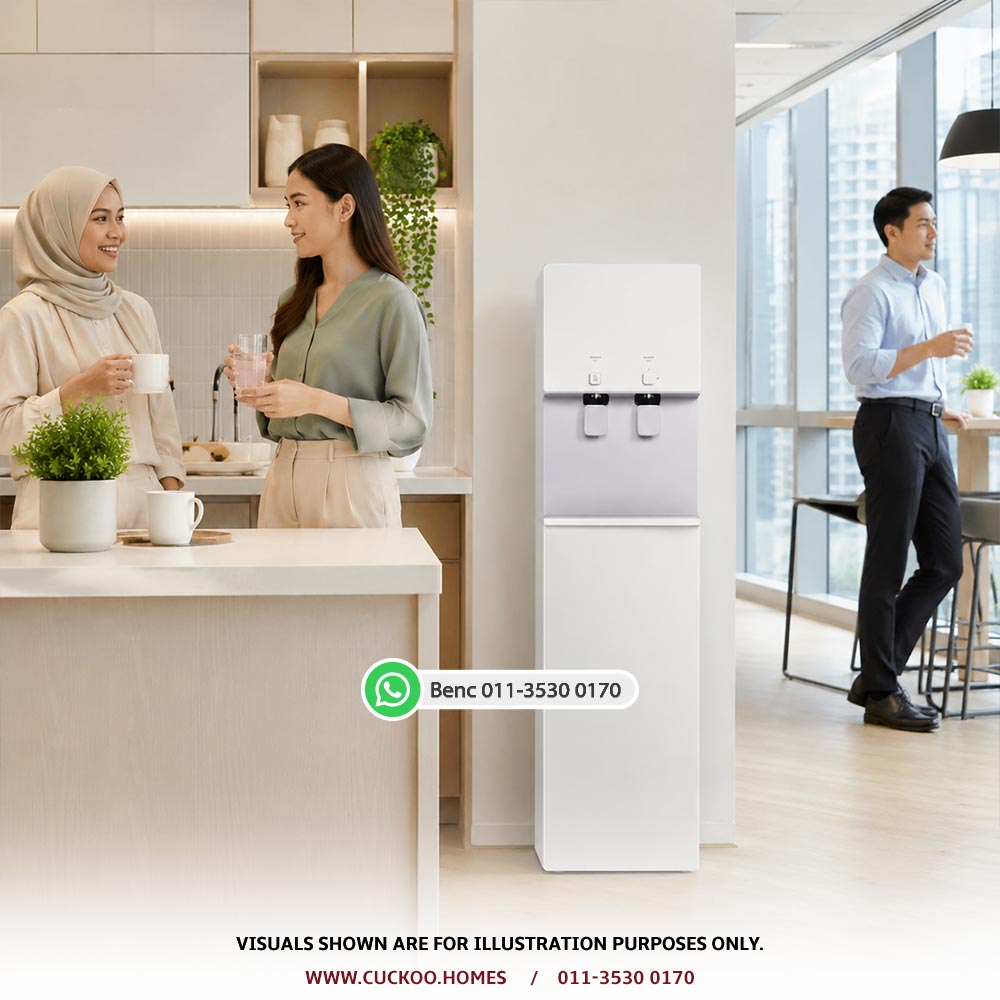
Take a wide photo of the pantry and closer photos of the proposed position, nearby water connection and power point. Note the address, floor, room and on-site contact. For several units, label each location separately so the installer can assess them individually.
This is a preparation checklist, not a DIY installation guide. Ask the installer to confirm compatibility and any additional work before modifying plumbing, cabinets or electrical connections.
Site preparation
Record what is already available and what still needs confirmation. Do not assume every installation has the same requirements or included work.
| Check | What to prepare | What to confirm |
|---|---|---|
| Counter or floor space | Measure the available width, depth and height; photograph nearby cabinets and walkways. | Model dimensions, required clearance, suitable support and access for future servicing. |
| Water connection | Photograph the existing connection and its position relative to the dispenser. | Supply suitability, connection route and any additional fittings or plumbing work. |
| Power access | Show the nearest existing power point and its location. | The selected model's electrical requirements and whether qualified electrical work is needed. |
| Building permission | Identify the facilities contact or landlord for rented premises. | Approval for any drilling, pipe routing or changes to the pantry. |
| Delivery access | List loading access, lift availability, parking arrangements and permitted working hours. | Visitor registration, contractor documents and booking requirements set by your building. |
| Installation scope | Keep the quotation and photos together for the proposed location. | Included work, any extra charges and who will arrange work outside the package. |
Nominate someone who can answer site questions and approve the final position. Check whether your building requires advance registration or a contractor pass, and arrange access to the pantry and connection points.
If additional work is needed, ask who will carry it out and when it must be completed. Obtain the scope and any extra charges before confirming the visit rather than assuming they are included.
Use the office water dispenser model guide for workplace options. For payment stages, servicing and contract questions, read the office water purifier rental guide.
For several rooms or branches, prepare a separate site checklist for each location and include it with your corporate quotation request.
FAQ
Send a wide photo of the pantry, the proposed dispenser position and nearby water and power points. Include measurements, the floor or room location and any access restrictions.
Check with your building management or landlord before booking. Requirements vary, particularly for contractor access, drilling, pipe routing and changes to rented premises.
Do not assume it is. Ask for confirmation of the included installation scope, any extra work and charges, and who is responsible for arranging it.
Use a separate checklist for each installation point. Water connections, power access, available space and building access may differ between rooms or branches.
Share your pantry photos, measurements and workplace address so the team can review the proposed setup before booking.